NOTE: Video demos available in CI Learn under project 03 module.
Two-Page Spread Setup
(NOTE: See part 1 video demo)
The two-page spread is the most versatile setup. In most cases this is all you’ll need and removes the need of creating the single-page PSD document. This is because of InDesign’s frame system that works like a mask and allows us to hide portions of a spread, allowing it to become a single panel when needed. See video demos for full explanation.
Create a new file in Photoshop with the following settings:
CD booklet two-page spread dimensions:
4.98in high x 9.69in wide (Rounded up)
OPTIONAL 7″ record booklet two-page dimensions:
PS Two Page Spread (Rounded up): 7.035in high x 13.821in wide
The width is double the height. Beyond that settings should be the same as the single-page setup.
When all the settings are correct, click “OK” and set some initial guides. You can use “New Guide Layout” as shown:

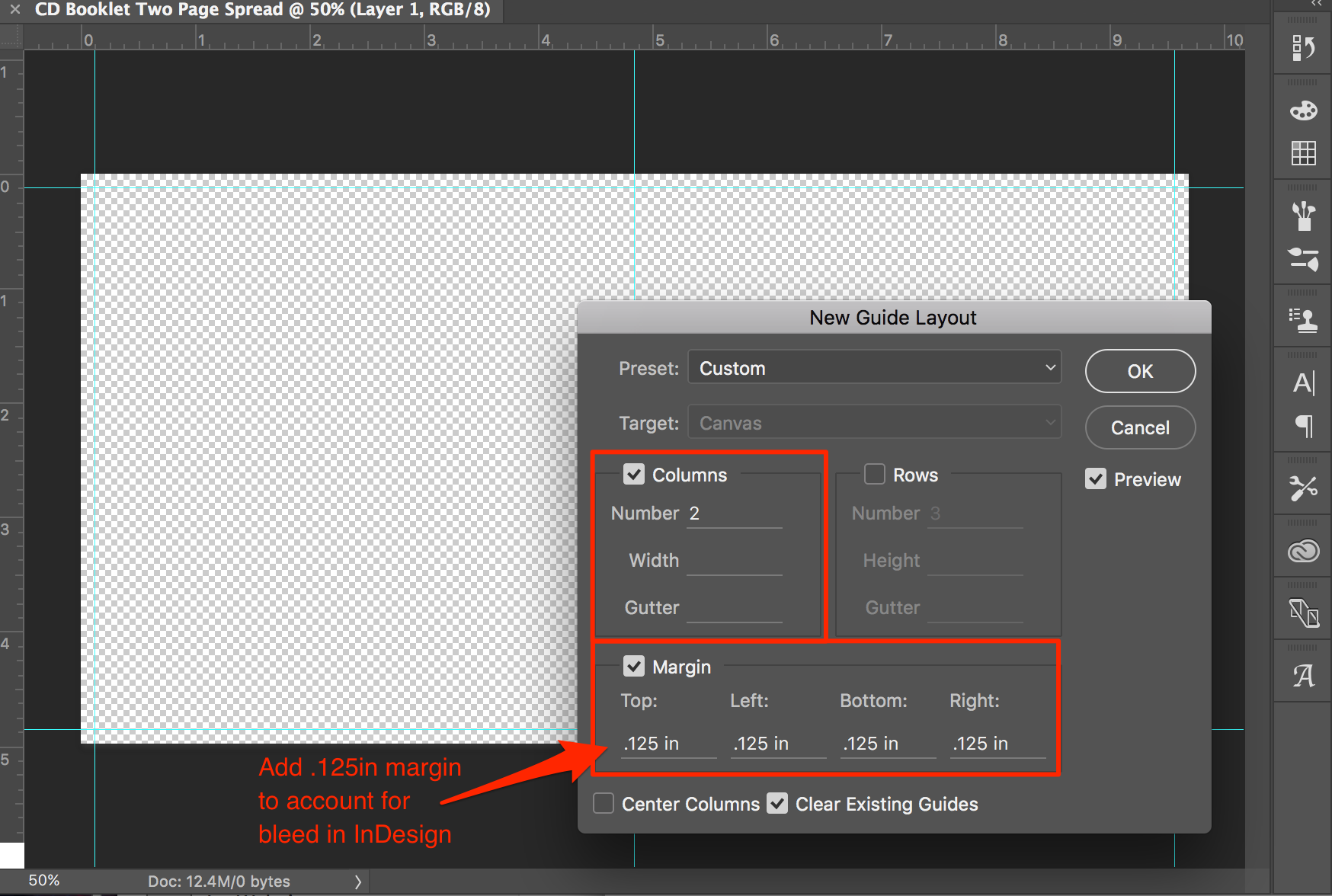
When the “New Guide Layout” dialog box opens, check off “Margin” and set it to 0.125in on all sides. These guides account for the “bleed” area set in InDesign. Make sure “Columns” is checked and set the “Number” to “2.” This will split the canvas down the center.
Add other guides as desired/needed.
Single Page Setup
(NOTE: See part 1 video demo)
Create a new file in Photoshop with the following settings:
Because PS doesn’t use bleeds, your canvas dimensions will include them. Here are the exact dimensions you’ll need depending on if you’re creating artwork for a single panel or a two-page spread:
CD booklet single-page dimensions:
4.98in high x 4.98in wide (Rounded up)
OPTIONAL 7″ record booklet single-page dimensions:
7.035in high x 7.035in wide (Rounded up)
Be sure to set the resolution to 300dpi and the unit of measurement should be set to inches.
When all the settings are correct, click “OK” and set some initial guides. You can use “New Guide Layout” as shown:
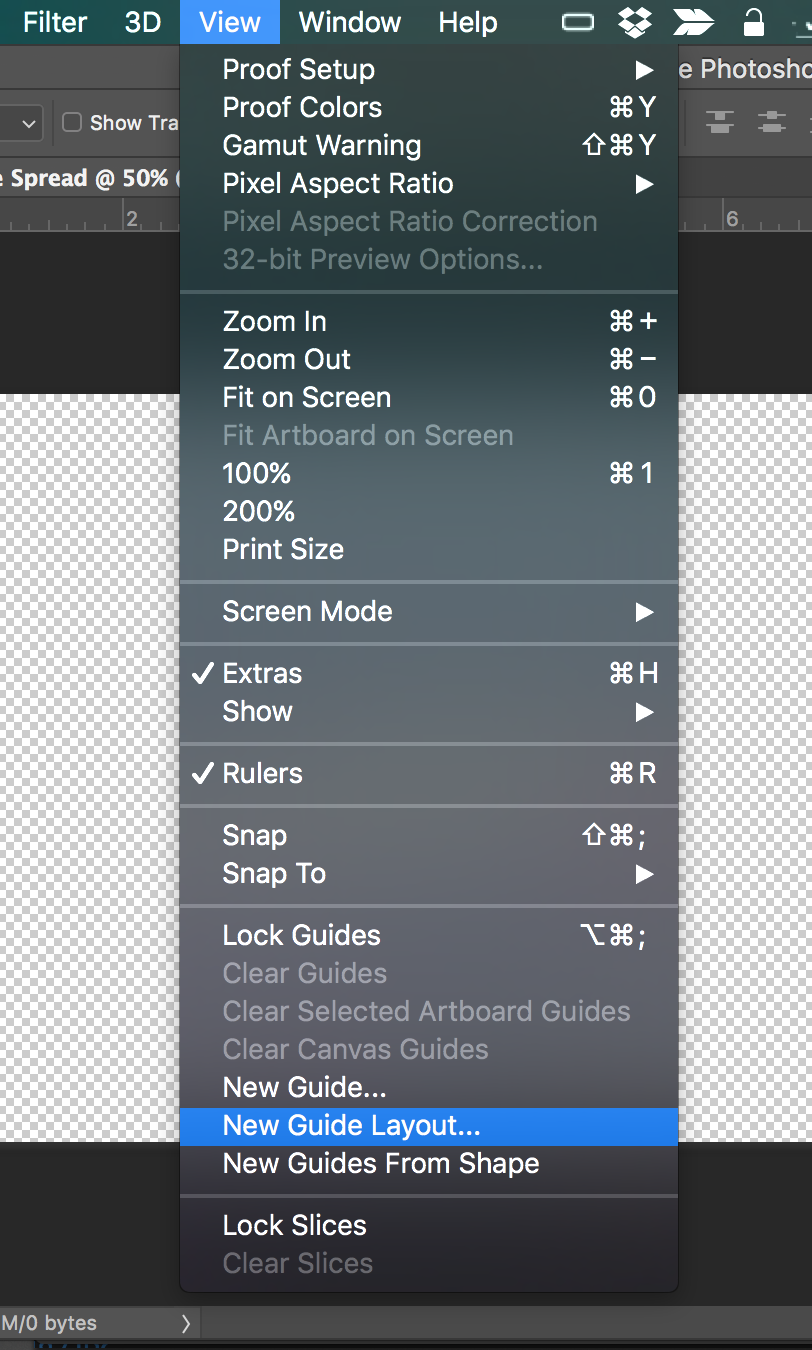
When the “New Guide Layout” dialog box opens check off “Margin” and set it to 0.125in on all sides. These guides account for the “bleed” area set in InDesign.
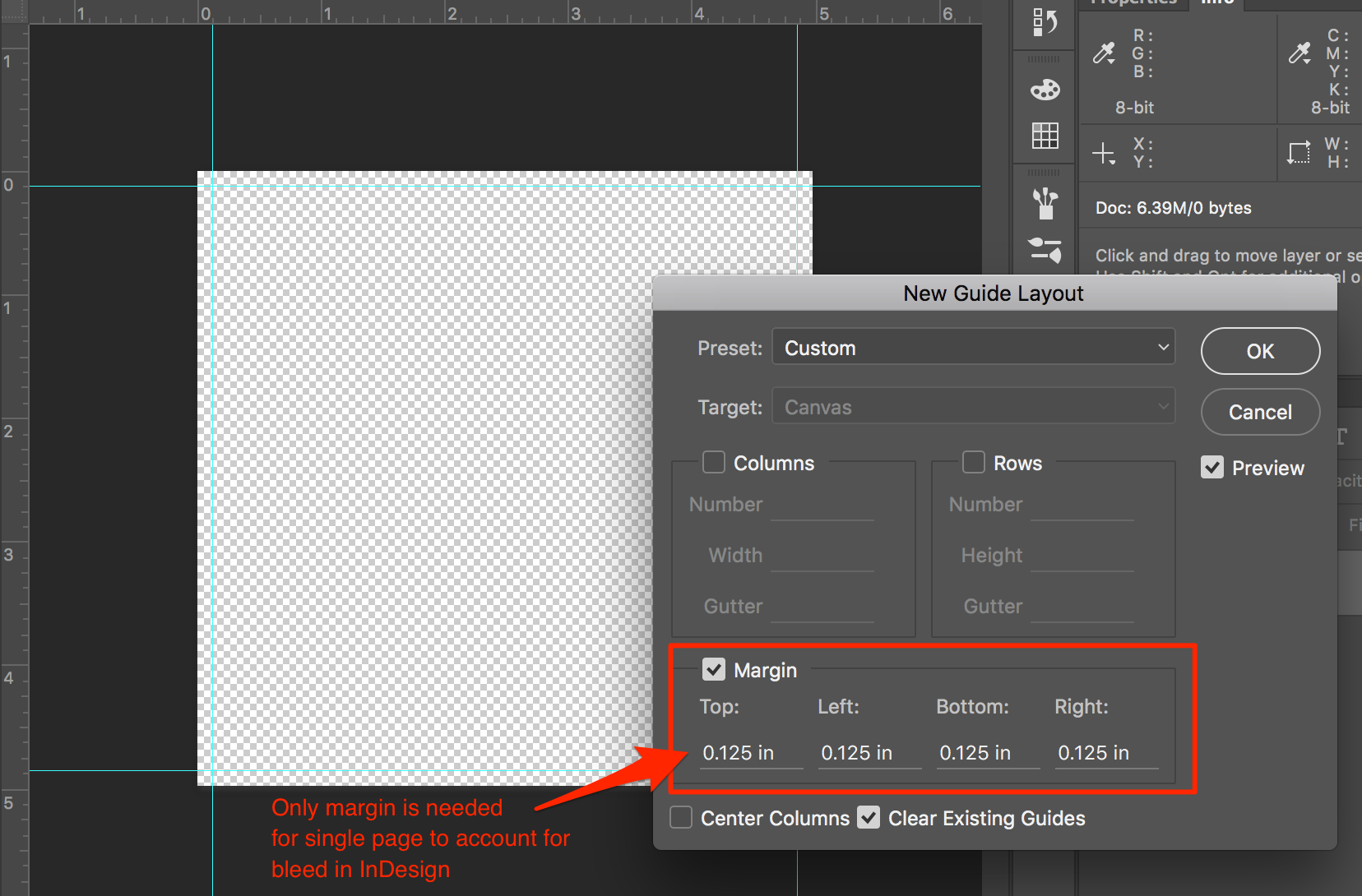
For the single-page setup, you don’t really need any guides other than margins, but you may add more as desired.

