Time to get with the “groove” with a little in-class challenge…
Designer Inspiring the Challenge:
Gustav Stickley (Arts and Crafts Era)
The Challenge:
A local industrial design company is looking to create some interesting software designs for the in-house fabrication team. Customers might also use the interface to create custom pieces.
Your job:
- Design a hypothetical “window” as well as what the controls the window will actually perform.
- Upload results to CI Learn blog “In-class warm-ups & demos.”
Some possible options include:
Milling Speeds
Bleaching Wood – Brightness/Contrast
Measurements and Cutting Lengths/Widths
Plywood bending and shaping
Wood type selector
Joint selection guide
Or?
******************
Hint: Use Photoshop not only as your tool, but as a source of inspiration! Think about how the menus work (i.e. sliders, checkboxes, buttons, etc.)
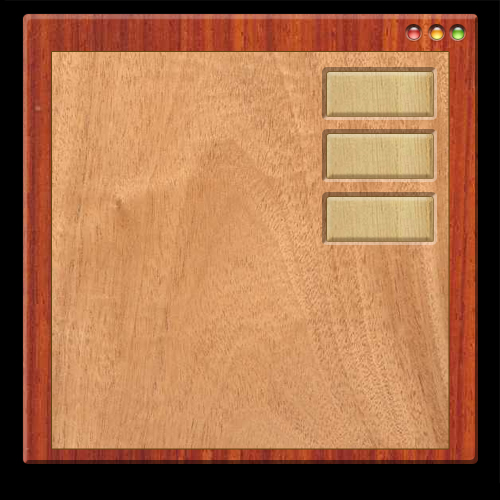
Here is an idea of how you can employ different materials/effects:
Project Proposal Due Next Class
What you will need to do…
Using InDesign, create an interactive PDF proposal. Upload PDF to CI Learn before class.
Slides should include:
- Intro slide (e.g., software name, your name and date)
- Artist chosen
- Briefly, about him/her (e.g. style, history, philosophy)
- Some sample artwork
- About the software: name and what it will do.
- Most importantly, show initial screen elements (drafts ok)
- Logotype
- Splash screen
- End slide (e.g., “Thank you”, “Fin”, repeat of intro content maybe)
